
Introducing Workspaces & Seat Management — Built for Teams
December 16, 2025
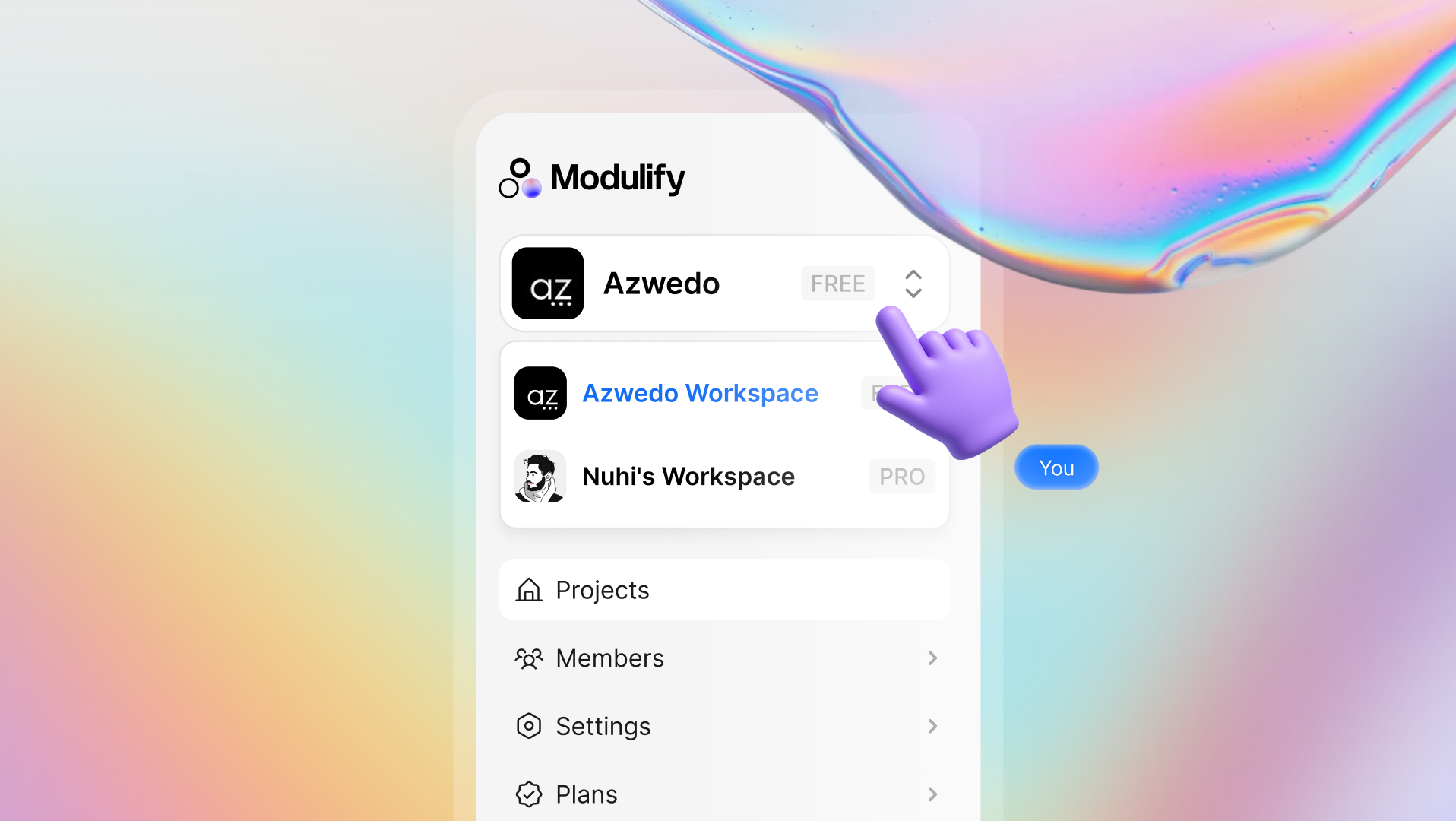
We’re excited to introduce Workspaces, a new way to collaborate for teams in Modulify!
How Workspaces work
Each user has one default workspace, which they own and manage. A workspace owner controls invitations, seats, and billing, and pays for all members in that workspace. Everyone invited joins as a Designer, with access to collaborate but no billing responsibilities.
Users on the Pro plan can invite others into their workspace and manage seats and billing, however, free plan users cannot invite teammates — they can only join workspaces they’re invited to.
If a teammate is removed, their seat becomes an unassigned seat. Unassigned seats can be reused to invite new members without creating additional charges, or removed to reduce seat count on the next billing cycle.
You can’t create multiple workspaces yourself, but you can be invited to multiple workspaces created by others.
Seats follow the Owner's billing cycle (monthly or yearly) and are prorated if added mid-cycle. Workspaces are built to keep collaboration organized, scalable, and easy to manage.
See Workspaces in action:
- Go to the Members tab in your dashboard and click Invite Members
- Enter an email address and confirm the seat purchase
Plan & access notes:
- Workspaces are available on the Pro plan
- Free users can join workspaces but can’t invite others
- Seat removals take effect on the next billing cycle
Workspaces are built to keep collaboration organized, scalable, and easy to manage.
Related updates
See more updates on Modulify
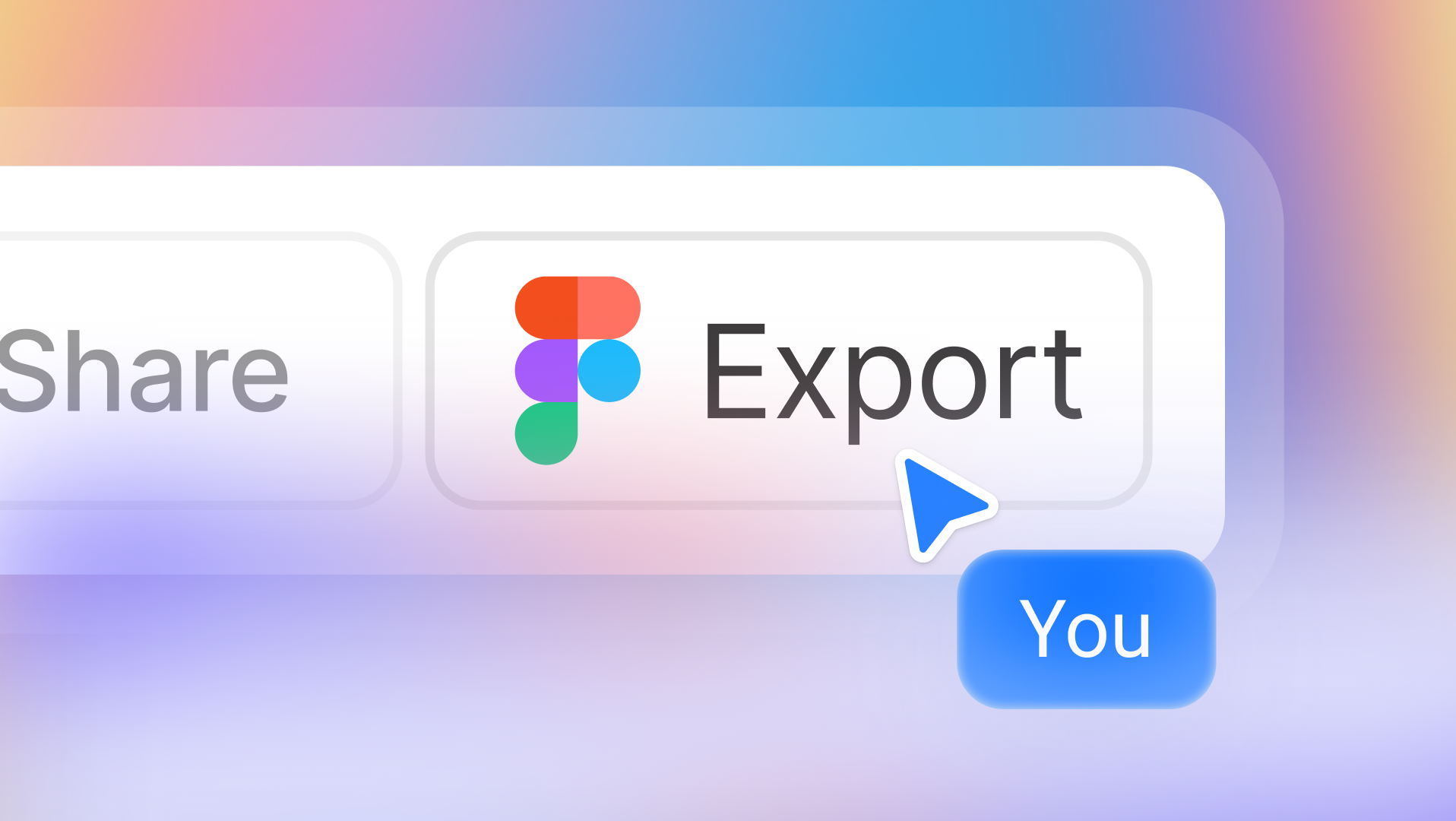
Export any Modulify component or full page directly to Figma as an editable file. More design freedom, same simple workflow, 5 credits per export.
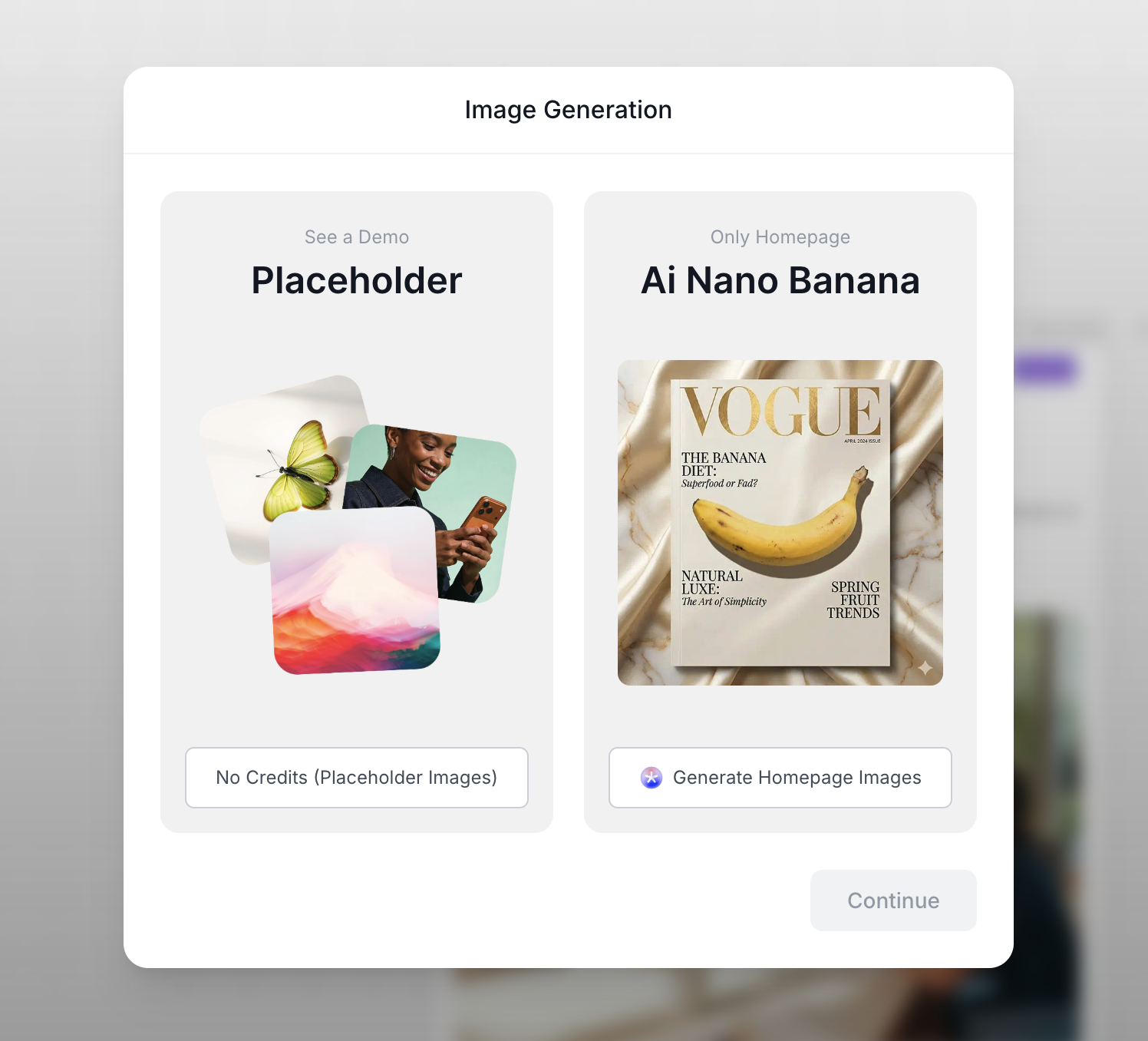
AI image generation is now built into site creation — choose placeholder or custom AI visuals, with style, model, and credit control.
New Styling Controls: Typography, Buttons, Cards, and Fields
January 21, 2026
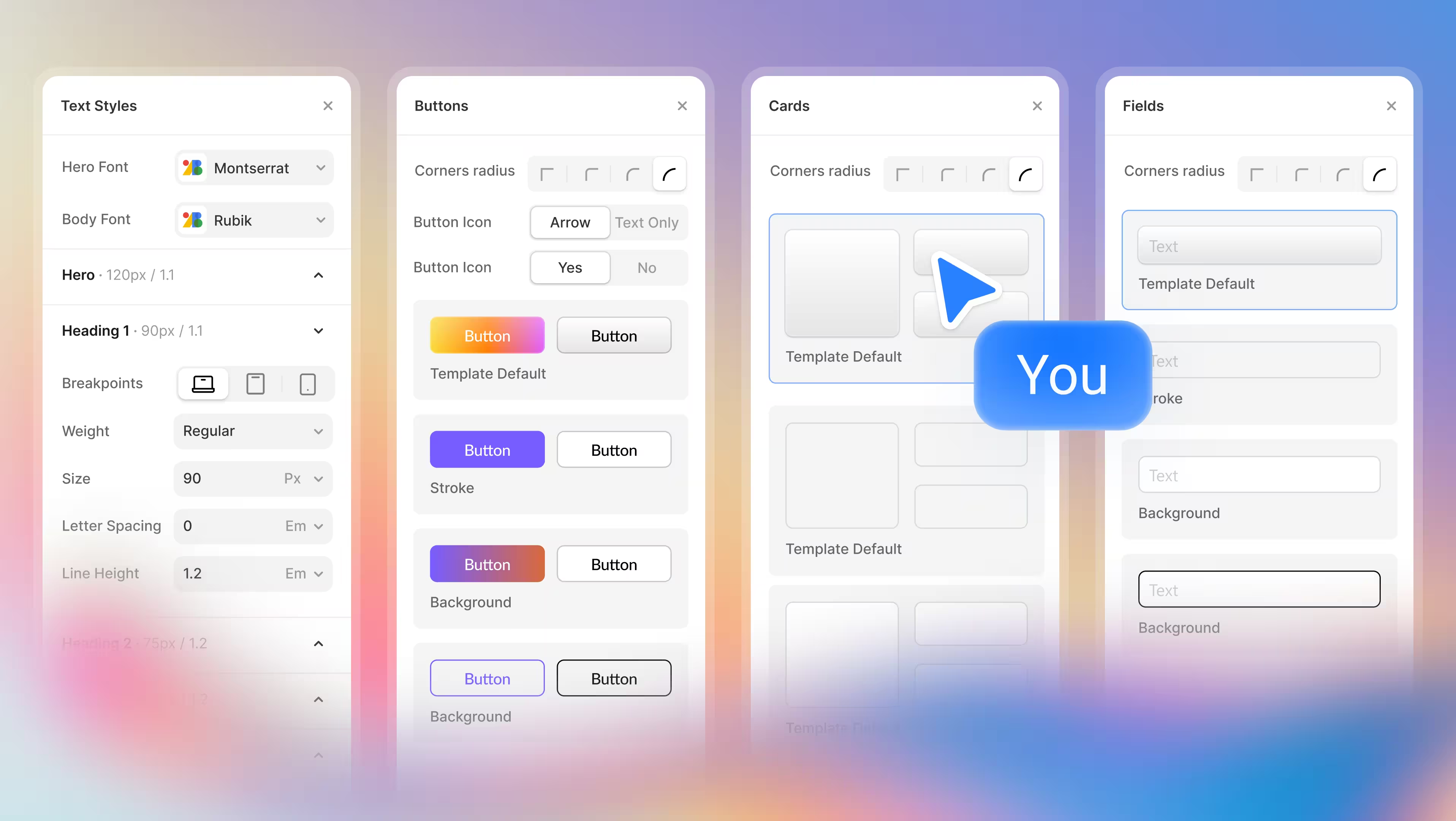
Control your design through new Modulify features now available, starting from typography, button style, card styles and more.
Effortless Web Design starts here. Try Modulify Now!
The only playground you need to build Webflow websites with AI in minutes.


Design & Build Webflow sites in minutes with AI