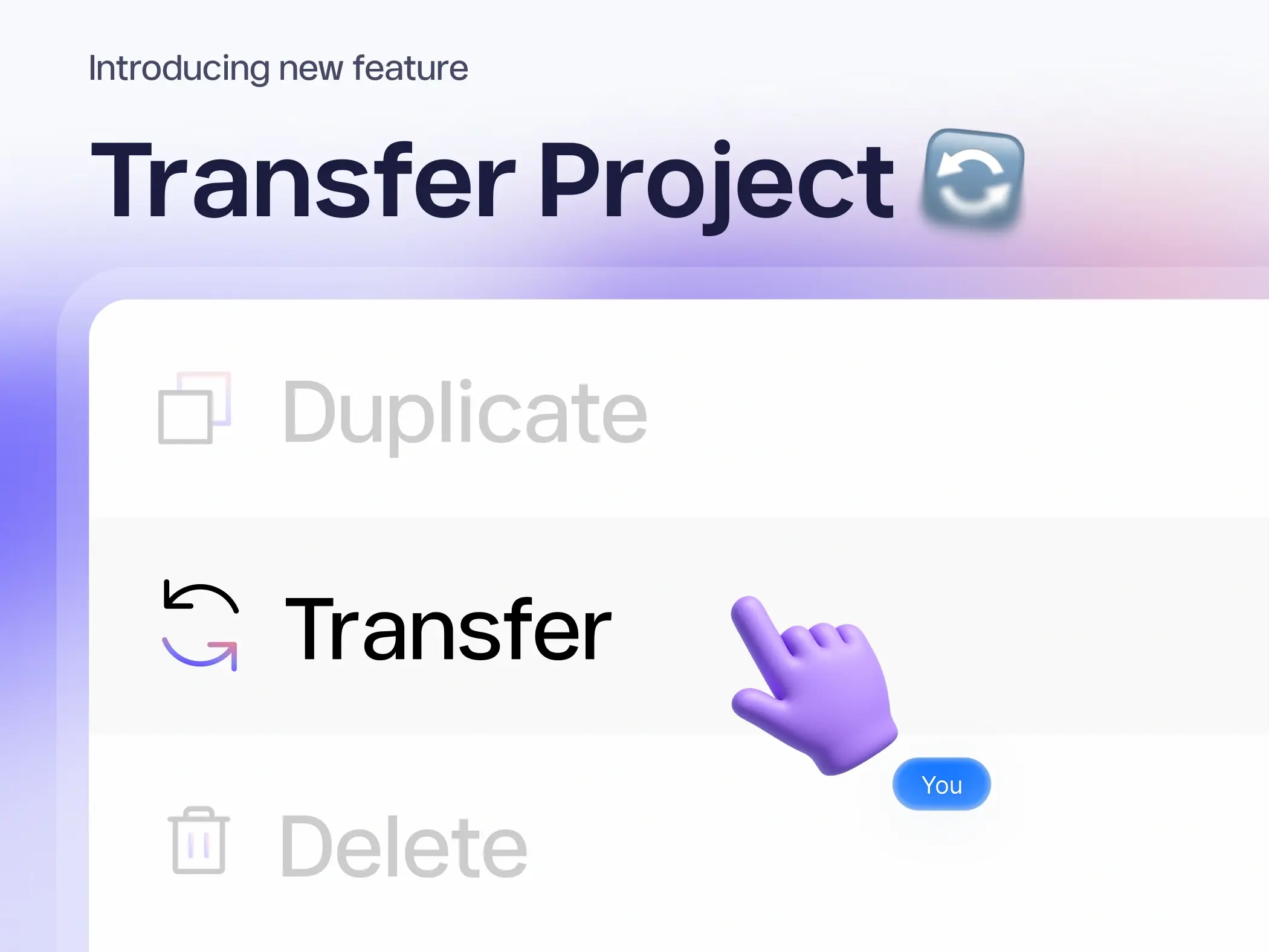
We’re excited to launch Project Transfer, a new Modulify feature designed to make collaboration and project ownership effortless.
Now, designers and collaborators can transfer complete Modulify projects — including all assets, settings, and design permissions — to another user. Once transferred, the new owner gains full control to edit, customize, and continue designing the same project.
The previous owner will no longer have access, ensuring a secure and organized handoff between collaborators, clients, or team members.
Whether you’re delivering a finished client project or handing off to a teammate, Project Transfer keeps your workflow smooth and professional.
How It Works:
- Open your project you want to transfer.
- Click the three dots (⋮) on the project card and select “Transfer.”
- Enter a valid email address of the recipient and click Transfer.
- The recipient will receive an email invitation to accept the project transfer.
- Once they accept the invite, ownership moves to their account — and the project disappears from yours.
Plan & Access Notes:
If a project is transferred from a Starter or Pro plan to a Free plan, the new owner will only be able to edit up to two pages of that project.
To unlock full editing access, you’ll need to upgrade the plan.
Start designing and transfer your projects with ease.