
Component Variations – Switching designs instantly
December 22, 2025
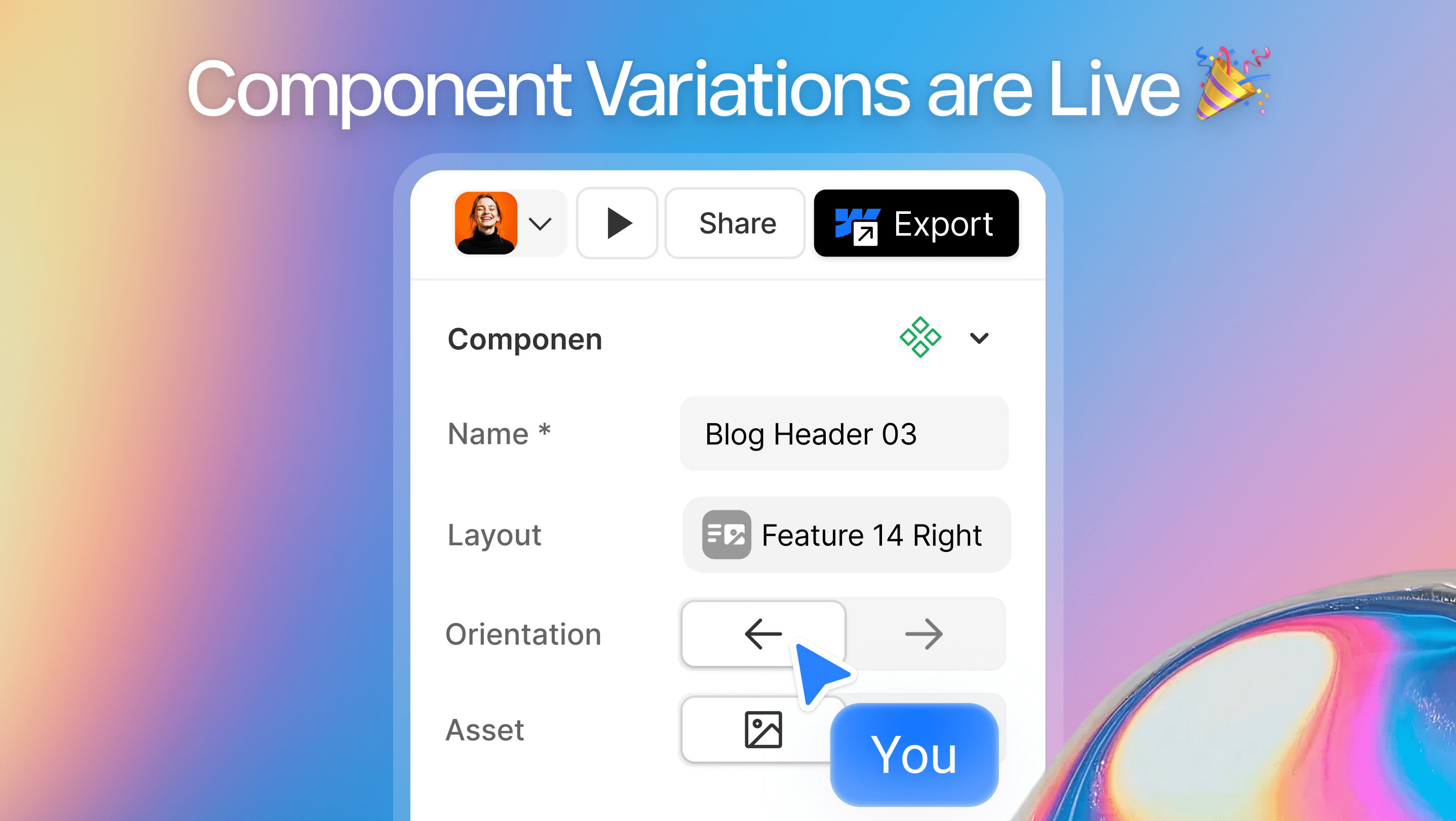
This feature allows you to switch between multiple layout, content, and structural variations using the same core component, all from a single settings panel.
Whether you’re a freelancer customizing a site for a client, an agency managing multiple layouts, or a startup iterating quickly, variations let you adapt components to different contexts without duplicating or rebuilding sections.
Instead of creating separate components for every layout change—such as switching orientation, adjusting columns, changing alignment, or swapping elements—you simply select a variation that fits the use case.
This keeps your Webflow project clean, consistent, and easy to maintain as it grows. Component Variations are ideal when designing responsive layouts, experimenting with different content structures, or reusing the same component across multiple pages with slight differences.
By working with variations instead of duplicates, designers move faster, reduce design debt, and maintain a strong, scalable design system across the entire site.
Related updates
See more updates on Modulify
Export any Modulify component or full page directly to Figma as an editable file. More design freedom, same simple workflow, 5 credits per export.
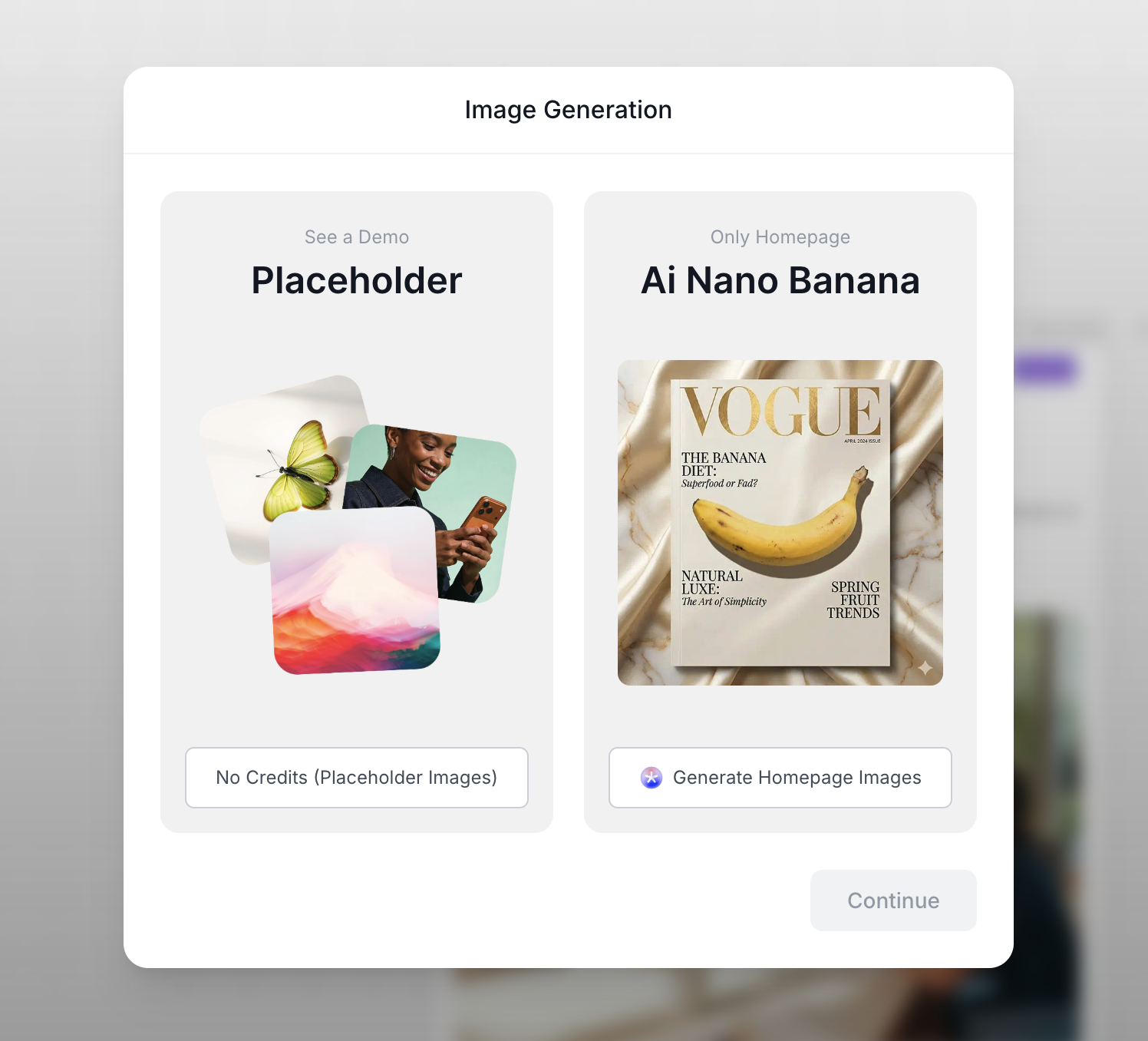
AI image generation is now built into site creation — choose placeholder or custom AI visuals, with style, model, and credit control.
New Styling Controls: Typography, Buttons, Cards, and Fields
January 21, 2026
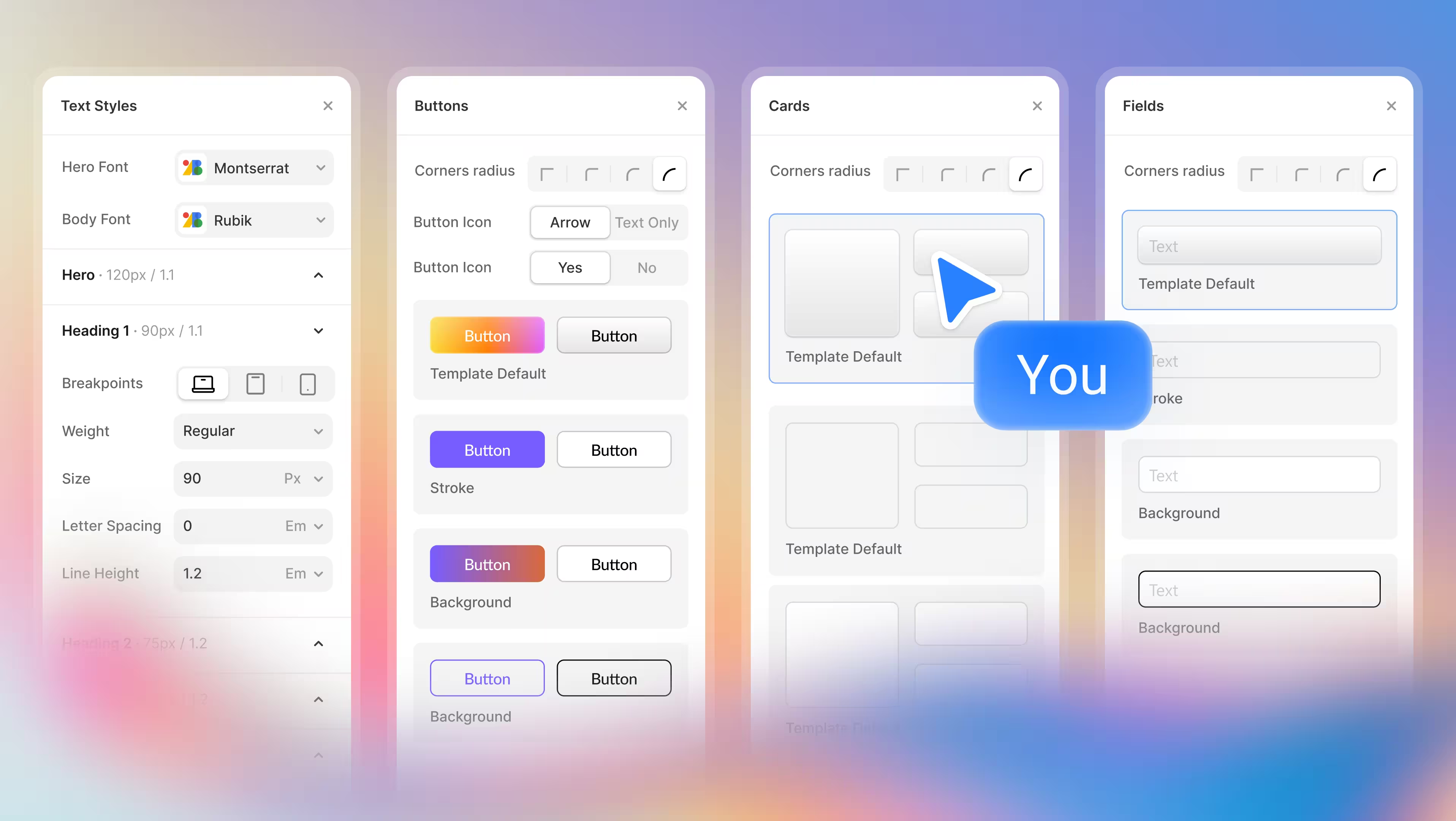
Control your design through new Modulify features now available, starting from typography, button style, card styles and more.
Effortless Web Design starts here. Try Modulify Now!
The only playground you need to build Webflow websites with AI in minutes.


Design & Build Webflow sites in minutes with AI