There's a workflow frustration that most Webflow designers know well. You've built a solid page structure, the layout is close, the client is almost on board — and then a request comes in that pushes the design just far enough outside the template that you need to get into Figma to finish it properly.
So you open Figma, start a new frame, and rebuild what you already have. From scratch.
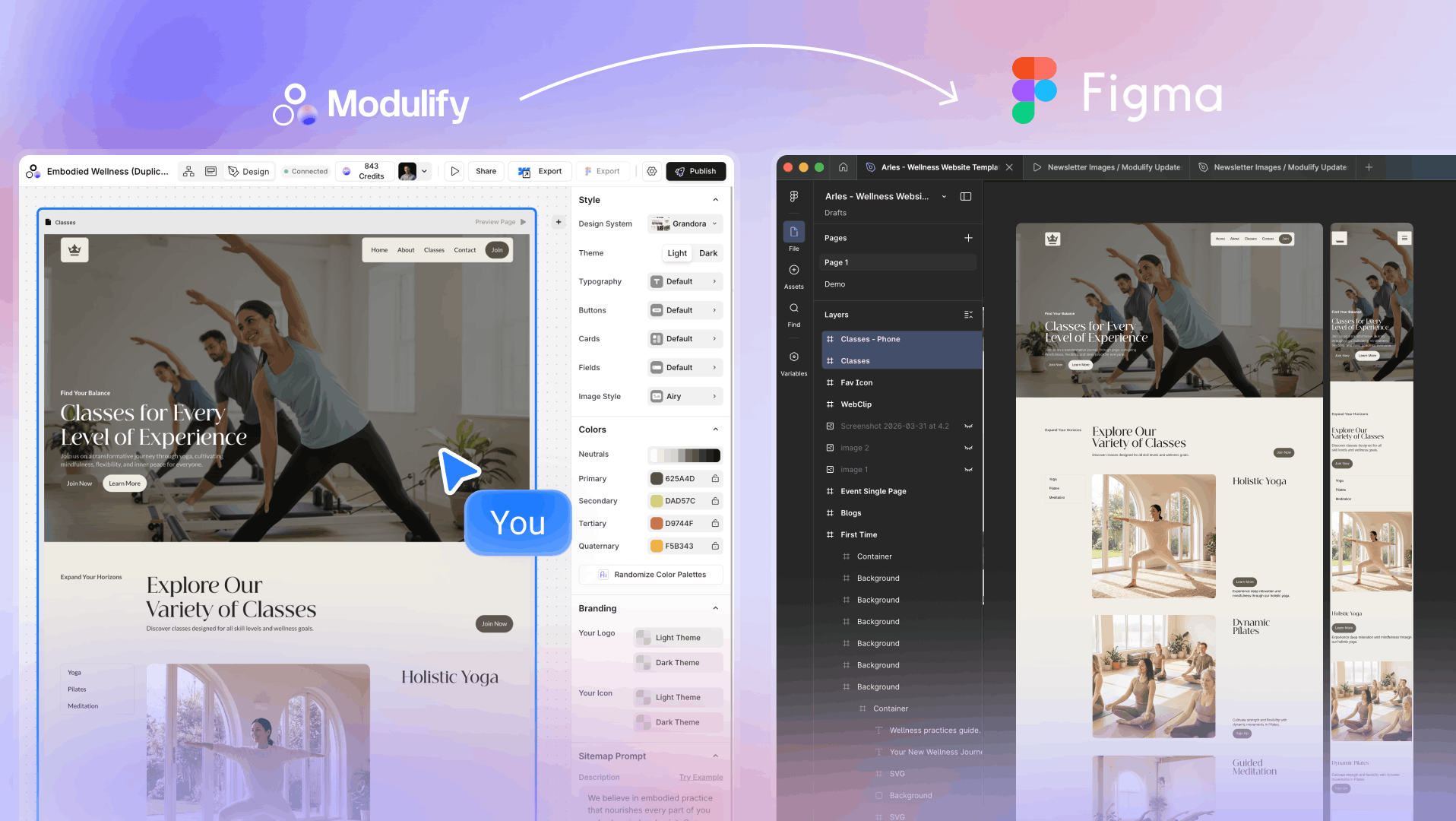
That's the gap Modulify's new Figma export feature is built to close. You can now take any component from the Modulify library — or an entire page — and export it directly into Figma as a fully editable file. The design you started in Modulify continues in Figma, not from a blank canvas.
Why Figma and Webflow Coexist
Most conversations about Figma and Webflow treat them as an either/or — the "figma to webflow" workflow is one of the most searched topics in the no-code design space, with tools, plugins, and converters built entirely around moving designs in one direction. But in practice, most professional designers don't live in just one tool.
Figma is where fine-grained design decisions happen: precise typography, pixel-level spacing, client review presentations, design system documentation, and visual explorations that haven't fully committed to structure yet. Webflow is where those decisions become a live, responsive website.
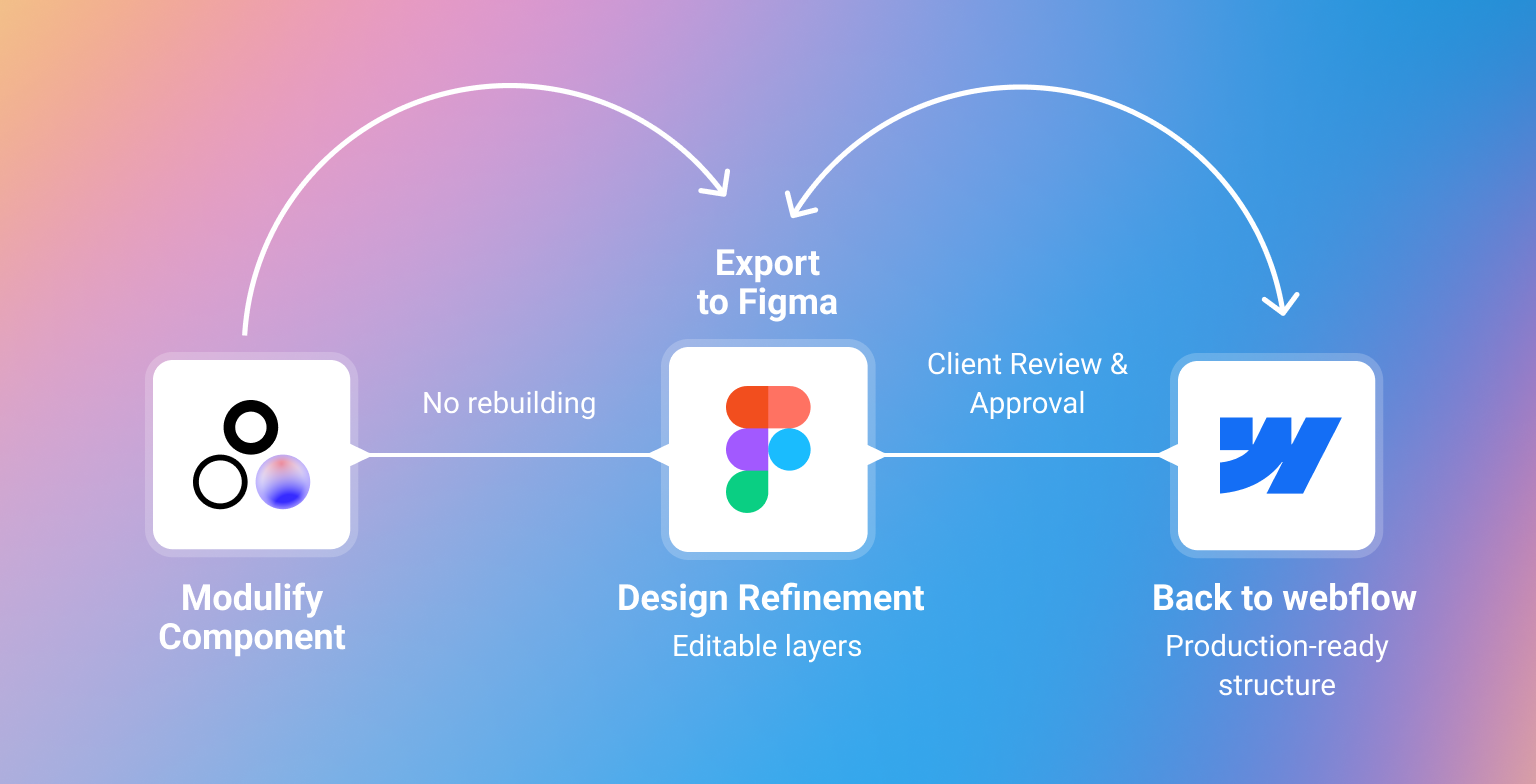
The two tools serve different phases of the same job, and the best workflows move fluidly between them. The problem has always been that the path from Webflow back into Figma was manual — you'd export a screenshot, trace over it, or just rebuild. Modulify's Figma export turns that return path into a single click.
What the Export Actually Gives You
When you export a Modulify component or page to Figma, you get a real, layered Figma file — not a flattened image, not a static snapshot. Every element is editable. You can change typography, adjust spacing, restructure the layout, swap colors, rename layers, and work with the file exactly as you would with anything you built natively in Figma.
This matters because a locked or flattened export would save you a few seconds of import time but still leave you rebuilding anything that needs a real design change. A fully editable export saves you the entire reconstruction.
1,200+ Components from the Modulify Library, Ready to Export
The Modulify component library covers every major section type a modern website needs — hero sections, navigation bars, feature grids, pricing tables, testimonial blocks, call-to-action sections, footers, media galleries, team sections, FAQ layouts, and more.
With over 1,200 components built to Webflow best practices, it's one of the most comprehensive webflow components libraries available today.
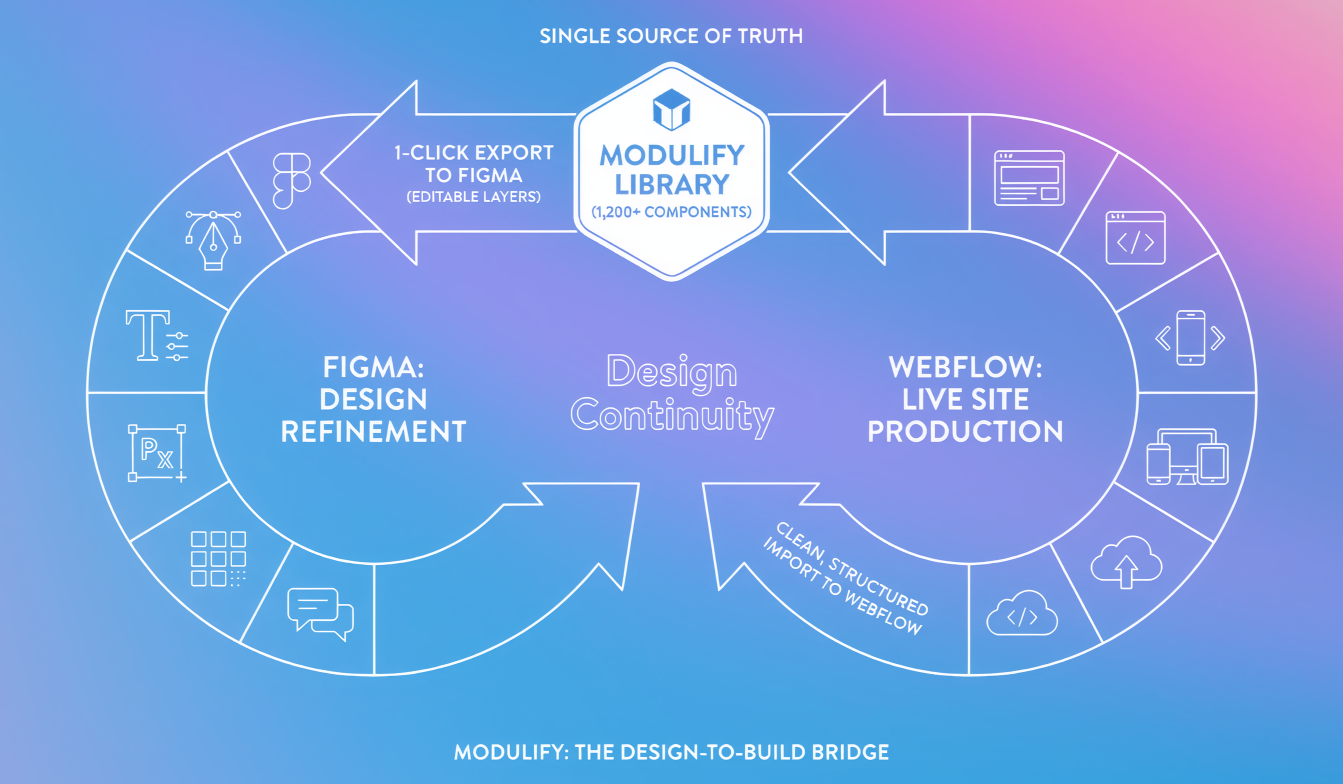
The export works across all of them. Pick a single card component you want to refine for a custom client — export it. Choose a complete landing page you've assembled and want to walk a client through in a Figma presentation — export it.
The depth of the library means you're rarely starting from scratch inside Modulify either; the component you need is almost certainly already there, and now it's one step from being in Figma too.
For designers looking for free webflow components as a starting point, the Modulify library gives you production-quality building blocks that slot directly into a professional Figma workflow — without the quality trade-offs that come with most free component resources.
One Component or a Full Page — Same Process, Same Cost
The export is intentionally simple and consistent. Whether you're exporting a single navigation component or a complete five-section landing page, the process is identical: select, export, open in Figma. There's no difference in workflow complexity based on what you're exporting.
The cost is also flat: 5 credits per export, regardless of scope. A full-page export costs the same as a single block. This removes any friction around deciding what to export — if you need it in Figma, you export it.
How This Changes Your Design-to-Build Workflow
The practical impact depends on how you work, but a few patterns stand out immediately:
- Client presentations: Export a full Modulify page into Figma to create a polished presentation file your client can annotate and approve before a single line of code is written.
- Custom components: When a client needs a variation that goes beyond what's in the library, export the closest match and modify it in Figma rather than designing from scratch.
- Design system handoffs: If your team works in Figma for design system documentation, you can now pull Webflow-ready components into that system without a manual rebuild.
- Figma-to-Webflow round-trip: Start with a Modulify component, export to Figma for design refinement, then bring the refined design back into Webflow — a proper round-trip workflow between both tools.
A Note on Figma-to-Webflow Plugins
There are several plugins designed for the figma to webflow direction — tools that take a Figma design and attempt to generate Webflow markup from it. These solve a real problem, but they typically produce messy code, require significant cleanup, and work best with designs that were built with Webflow's structure in mind from the start.
Modulify's export goes the other direction and starts from a cleaner position: every component in the Modulify library is already built to Webflow best practices, which means the Figma export file reflects a real, production-ready structure — not a design that's been reverse-engineered from arbitrary Figma layers.
When you bring it back into Webflow, it behaves properly because it started properly. That's the difference between a Webflow Figma integration built around conversion and one built around design continuity. Modulify is the latter.
Try the Figma Export Today
The export is live for all Modulify users now. Open the library, find any component or page you're working with, and hit Export to Figma. You'll have an editable Figma file in seconds — and you won't have to rebuild a single thing.
5 credits per export. Over 1,200 components available. Full pages supported. Start exporting now at modulify.ai.