For freelancers, students, and digital creators, free Webflow templates remove the friction of starting from scratch. Instead of designing grids, breakpoints, and layout logic from zero, you begin with a structure that already works across devices and browsers. This makes it easier to focus on what actually matters early on: content, messaging, and visual identity.
Because Webflow outputs clean, production-ready code and offers native SEO controls, even free templates are capable of supporting real-world projects. A well-structured free Webflow website template can scale into a professional site when built on the right foundation.
Why Designers Start with Free Webflow Templates
Designers don’t choose free templates because they lack skill. They choose them because speed matters.
A free Webflow template allows designers to explore ideas quickly, test layouts, and experiment with structure without committing hours to setup. For students learning Webflow, templates provide practical exposure to real production builds. For freelancers, they help accelerate client work while keeping costs low. For creators building personal brands or portfolios, templates make it easier to present work professionally from day one.
Many free Webflow templates are built by the community itself, which means they often reflect real use cases rather than theoretical design concepts. These templates are created to help designers showcase projects, explain services clearly, and create a communication bridge between their work and potential clients. In practice, a template becomes more than a layout — it becomes a tool for storytelling and trust-building.
Free Webflow Templates Built with Modulify
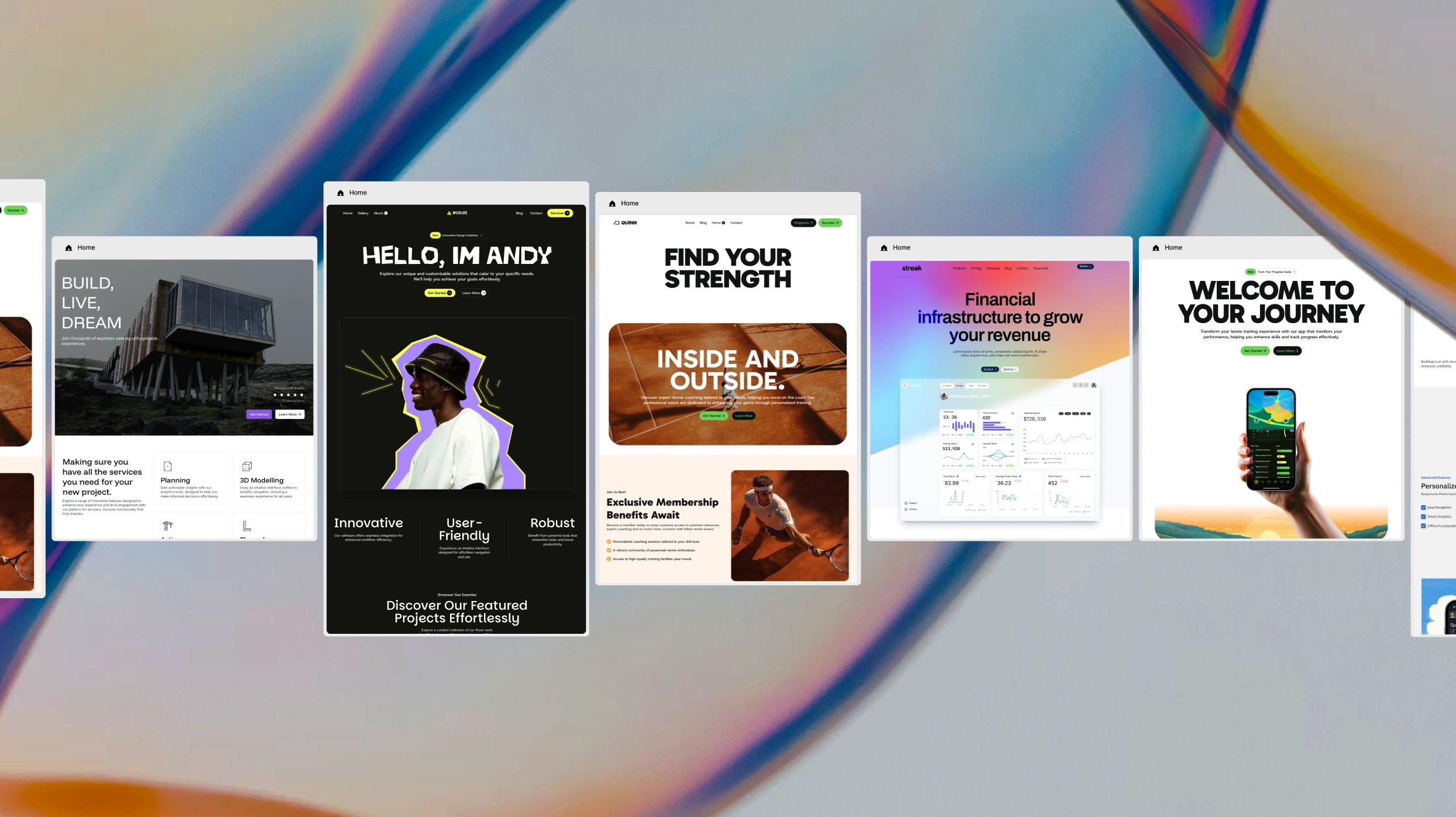
Free Webflow templates built with Modulify take this starting point further by introducing a modular structure from the beginning. Instead of locking designers into rigid layouts, these templates are built using reusable components that can adapt as the site grows.
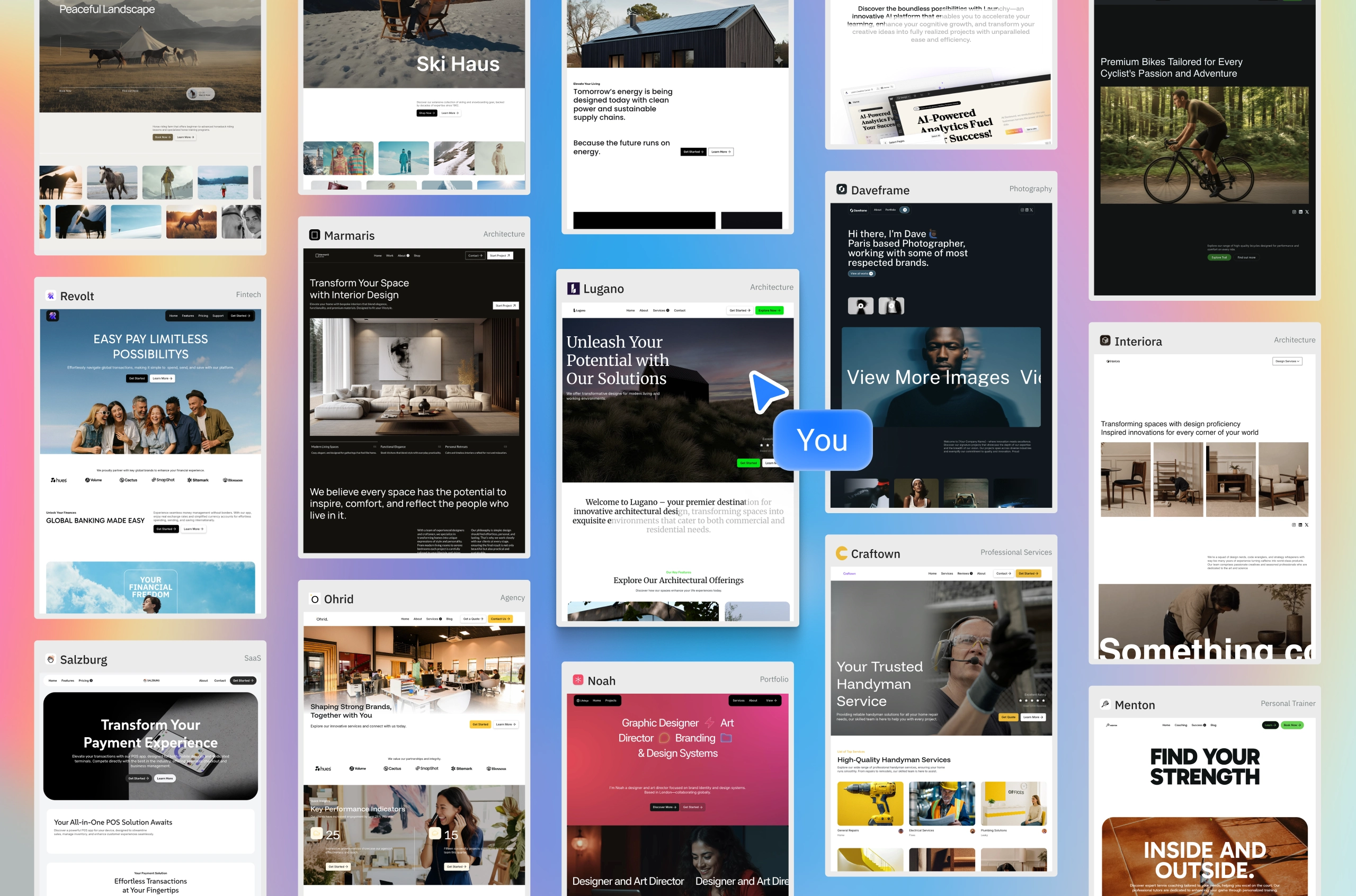
This approach is especially valuable for designers who know their project will evolve. Whether it’s a portfolio that expands over time, a service site that changes offerings, or a brand experimenting with positioning, starting with a modular free Webflow template reduces the need for future rebuilds. You can adjust layouts, swap sections, and explore variations without breaking consistency or structure.
Rather than forcing designers to choose between speed and flexibility, Modulify-based templates offer both. They are meant to be played with, customized, and extended, not treated as disposable starting points.
A Better Way to Learn, Experiment, and Launch
For students and early-career designers, free Webflow templates provide a safe environment to learn how real websites are structured. You’re not just designing something that looks good — you’re working inside a system that reflects how professional Webflow projects are built.
For freelancers and digital creators, these templates make it easier to move from concept to execution without sacrificing quality. Instead of spending time rebuilding the same sections for every project, you start with a foundation that already supports responsive behavior, clean layout logic, and scalable design.
When those templates are modular, the learning curve shortens even further. You begin to understand how components, variations, and systems work together — knowledge that carries into every future project.
Free Doesn’t Have to Mean Limited
The biggest misconception about a free Webflow template is that it’s only useful for small or temporary projects. In reality, limitation comes from structure, not price.
A free template that is thoughtfully built, responsive, SEO-friendly, and modular can support real growth. It can evolve alongside a brand, adapt to new content, and remain maintainable over time. That’s the difference between starting fast and staying flexible.
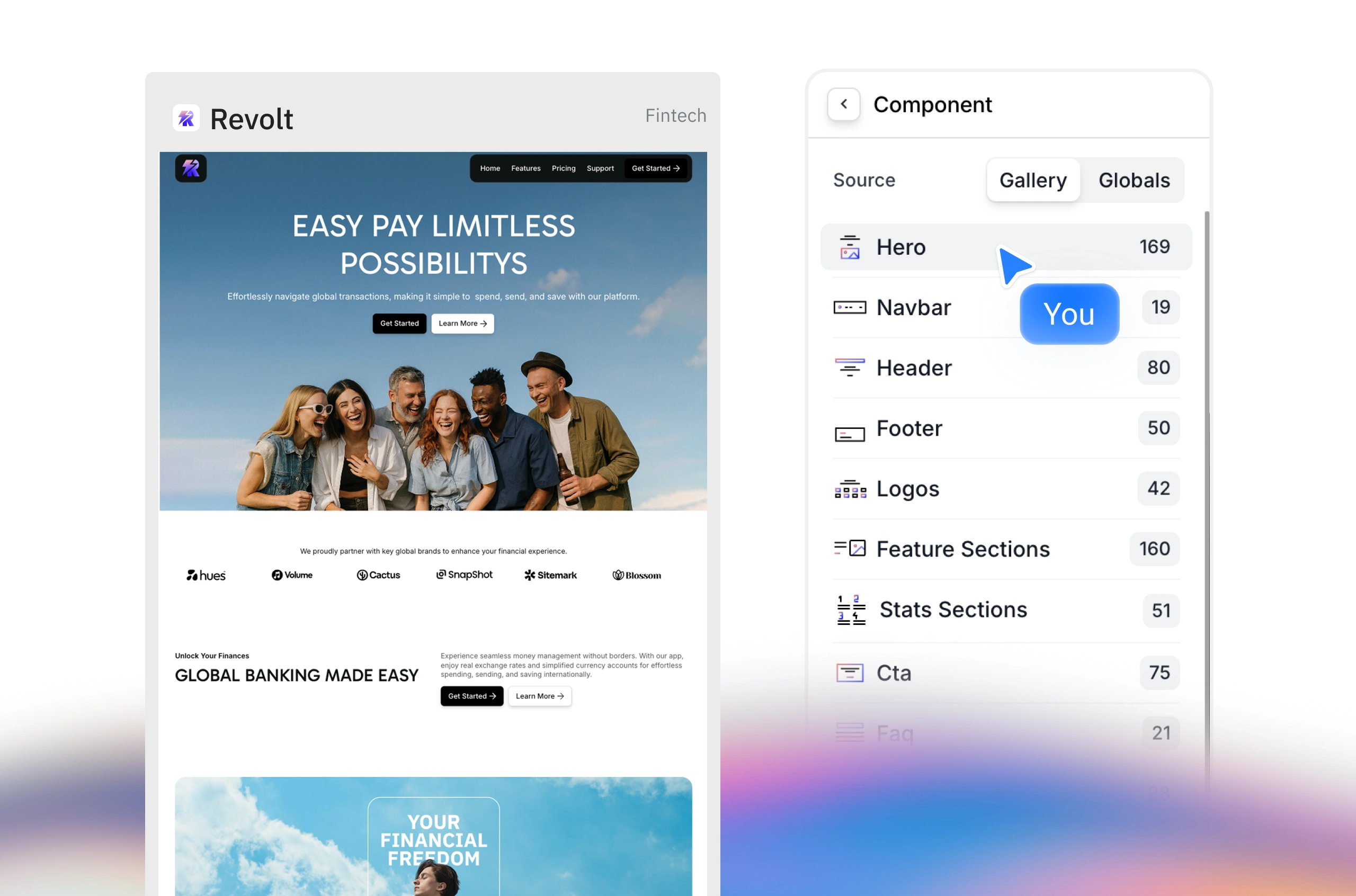
Free Webflow templates built with Modulify are designed to offer that balance. They give designers a reliable starting point while leaving room for exploration, iteration, and long-term ownership.
Explore Modulify and start working on projects from free templates or from scratch, everything in Client First framework and Webflow ready for publish.