
Design
Webflow Apps That Compress Launch Timelines
November 5, 2025

Follow us
Speed isn’t a vanity metric in Webflow—it’s a business model. The faster you can move from “we have an idea” to “we’re live,” the more experiments you can run, the more clients you can serve, and the more momentum your Webflow agency or Webflow portfolio builds.
Apps aren’t shortcuts for the sake of shortcuts, they’re guardrails that remove friction: fewer handoffs, less custom code, smarter reuse, and cleaner QA. Below is a practical stack that consistently shrinks timelines without sacrificing craft.
1. Modulify Webflow app – Start with structure, not pixels
Most delays begin with a blank canvas and decision fatigue. Modulify’s Webflow app changes the starting line: instead of building scaffolding from scratch, you bring in a ready, coherent system—sitemaps, wireframes, design, and a large library of Client-First, device-responsive, animation-ready sections. With Modulify, you’re essentially past “setup” on day one.

Why it matters: Consistency is speed. When headings, spacing, and component anatomy are standardized across pages, you stop burning hours on micro-decisions and rework. Stakeholders react to true structure (not abstract decks), and you move to live content much faster.
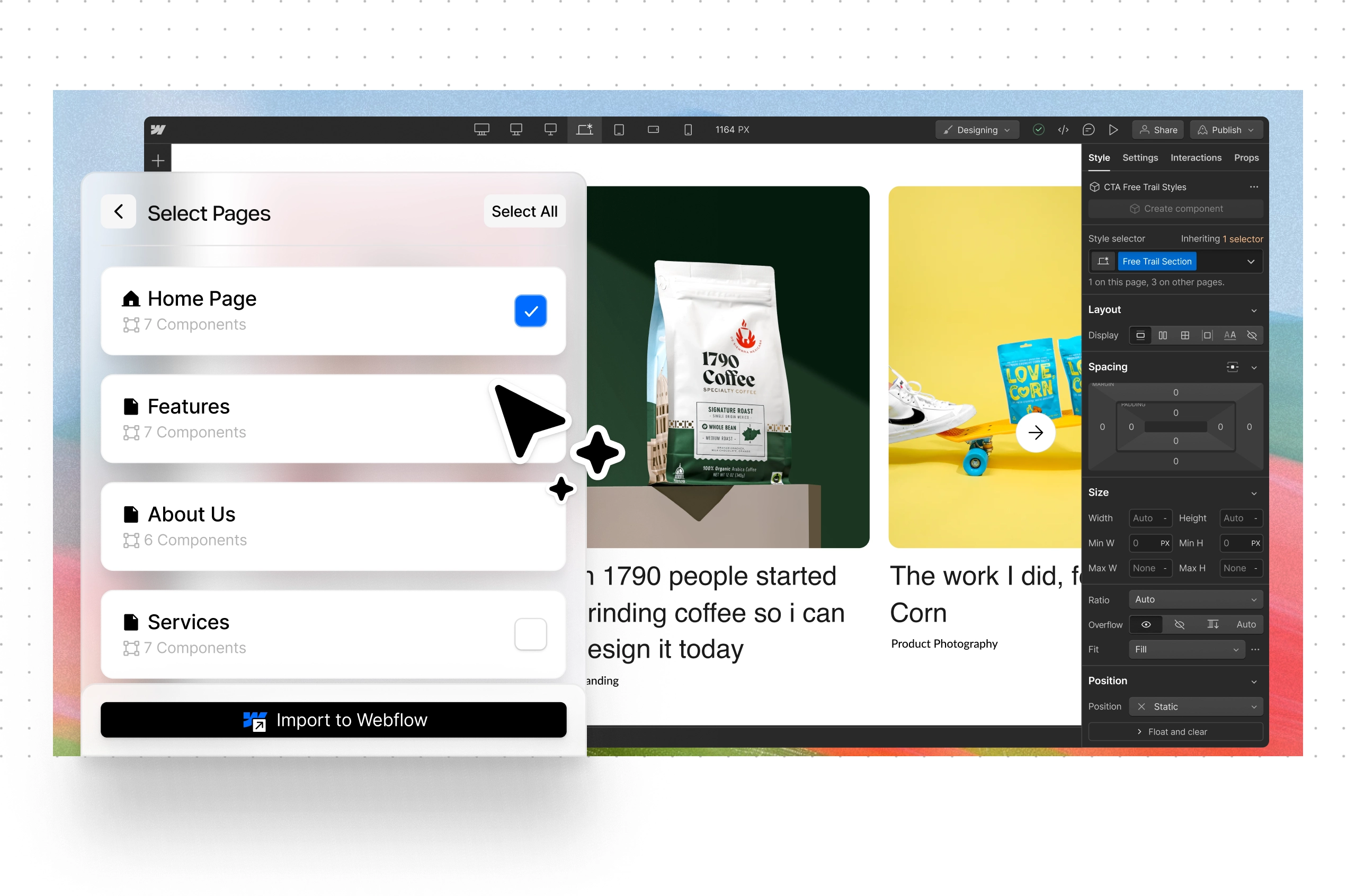
Natural tip: Generate your initial design based on your prompting then customize. Counterintuitive as it sounds, a tighter system gives you more creative freedom later—and far fewer QA passes.
Time saved (realistically): 6–10 hours on day one; 1–2 hours for every additional page you assemble rather than invent.
2. Goat Slider Webflow app – Stop hand-crafting sliders
Slideshows look simple but soak up time—swipe behavior, bullets, arrows, breakpoints, and “can it fade and slide?” Goat Slider gives you polished, production-tested sliders you can drop in and style.
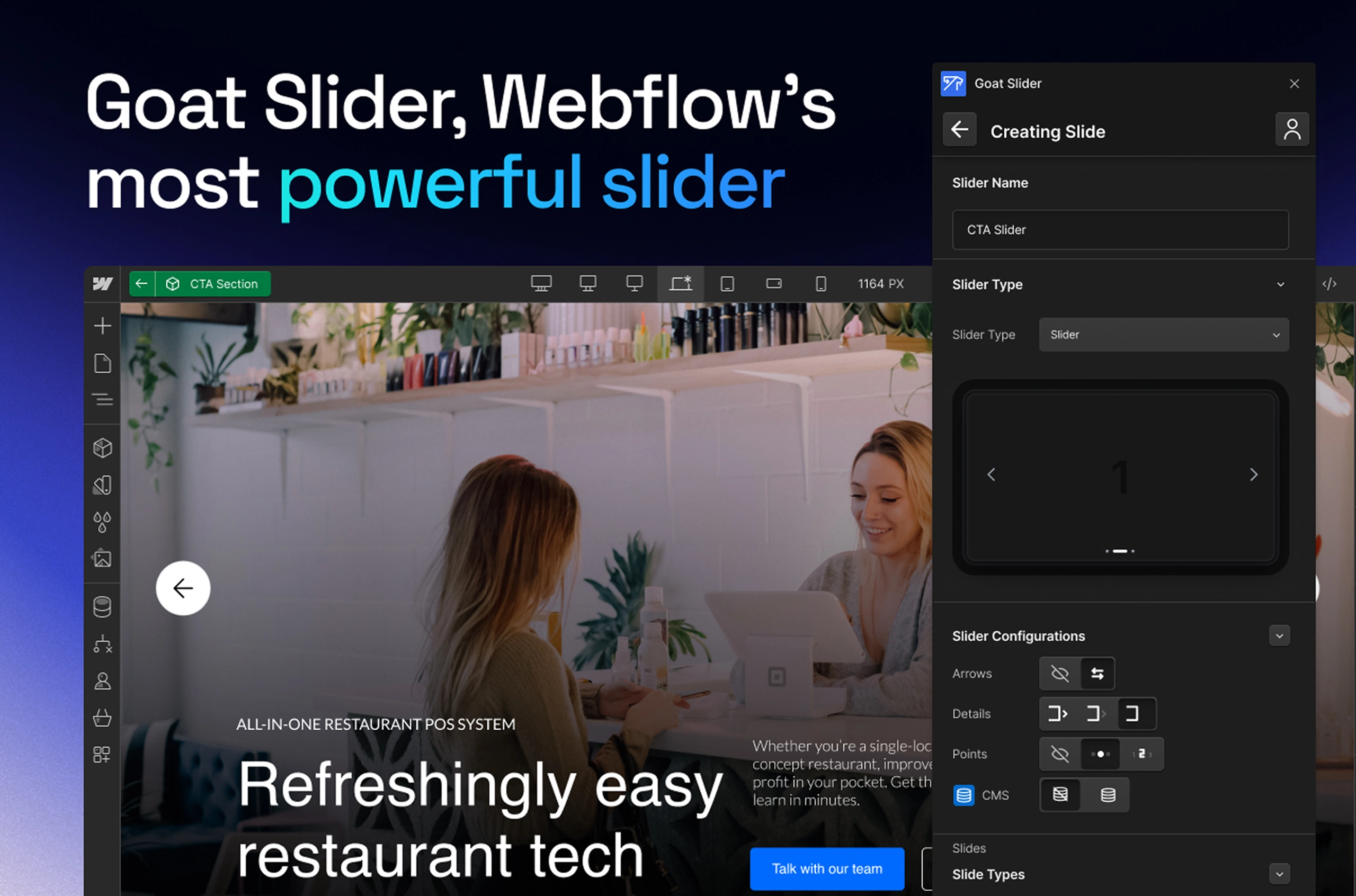
Why it matters: Sliders are a perfect example of work that feels bespoke but rarely needs to be. When you start from a premium pattern, you put your energy into the message—images, headlines, proof—instead of the mechanics.
Natural tip: Wire your CMS first and bind the slider to real content. You’ll avoid “static comps” that later need to be rebuilt to scale.
Time saved: 1–3 hours per slider, often more when multiple breakpoints and animations are in play.
3. Typeform – Treat forms like a product, not a task
Forms are where value changes hands. With Typeform‘s Webflow app, you can browse your workspace, create or grab existing forms, and embed instantly—clean validation, logic, analytics, and a friction-free UX out of the box.
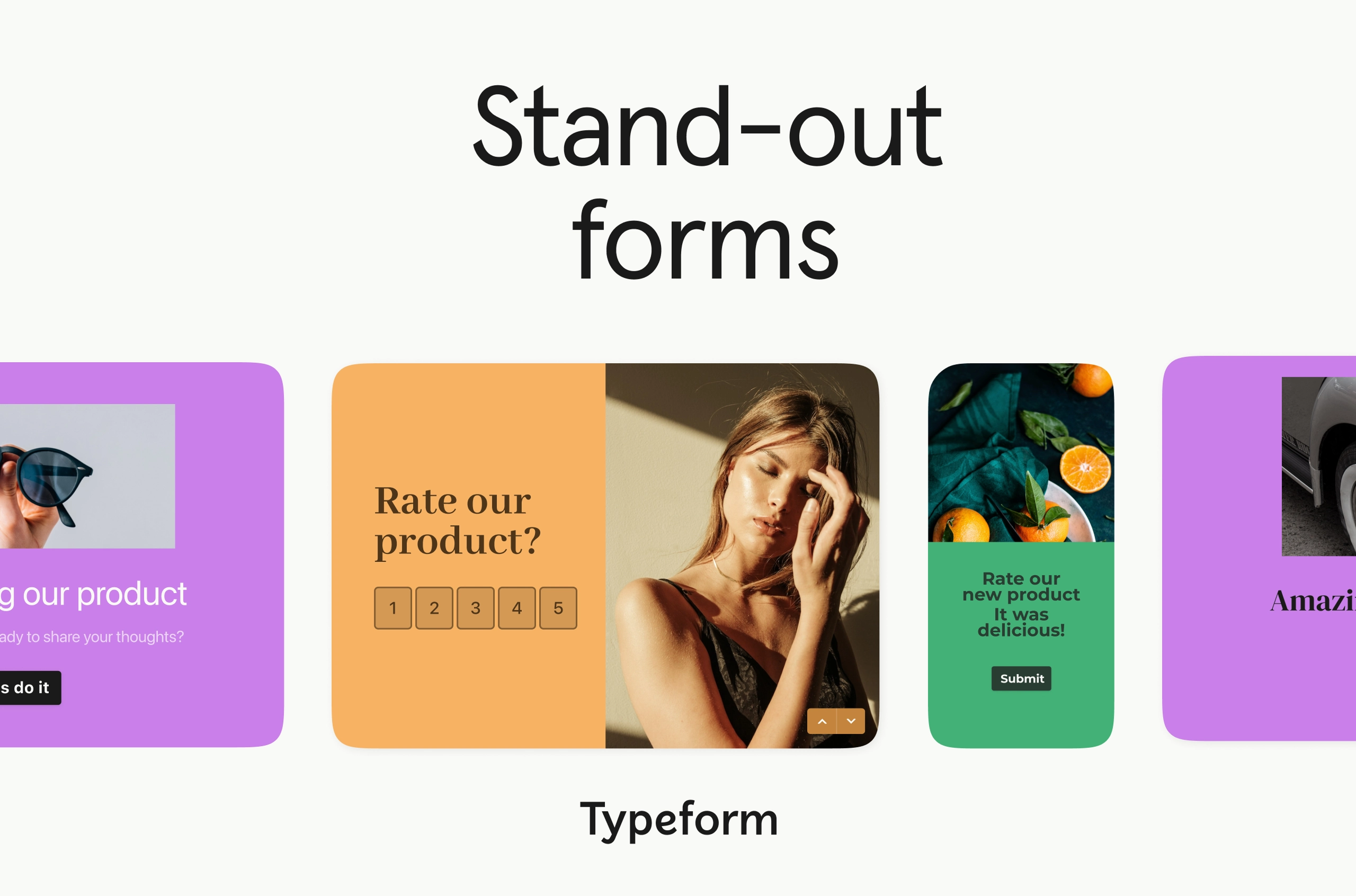
Why it matters: Good form UX is deceptively complex. Outsourcing it to a specialized tool means your “MVP” has enterprise-grade reliability from day one, without having to deal with yak-shaving field states and error handling.
Natural tip: Keep heavy forms below the fold or lazy-load them to protect performance on image-rich pages.
Time saved: 1–2 hours per form; more if you’d otherwise custom-build conditional logic.
4. Finsweet Components – Ship advanced UI without a JS detour
Filters, accordions, complex tabs, and sliders often drag designers into JavaScript land. Finsweet Components brings these behaviors into Webflow so you can design richer interactions without juggling scripts and libraries.
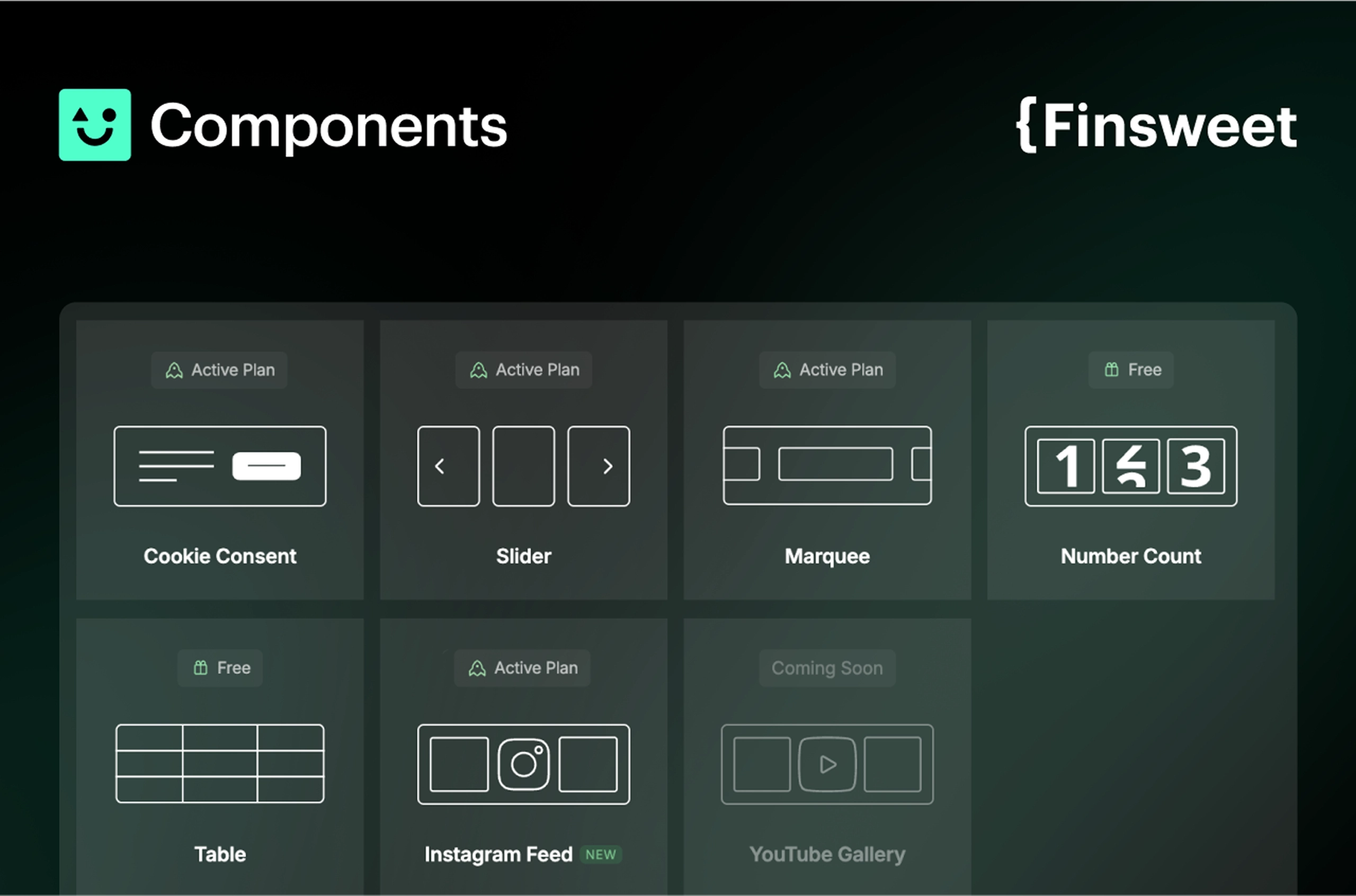
Why it matters: Momentum dies when a designer becomes an accidental developer. This keeps you in design flow while delivering the complexity stakeholders expect.
Natural tip: Start with the ugliest bottleneck—e.g., filtering a large CMS list—then template that pattern. Reuse is where the compounding time savings come from.
Time saved: 2–6 hours per complex component.
5. Logotouse Webflow App – Make first drafts look final
You’ve nailed the layout, but the client’s brand pack is “coming next week.” Logotouse offers premium, free-to-use logo placeholders, ensuring early drafts look credible, not hastily cobbled together.
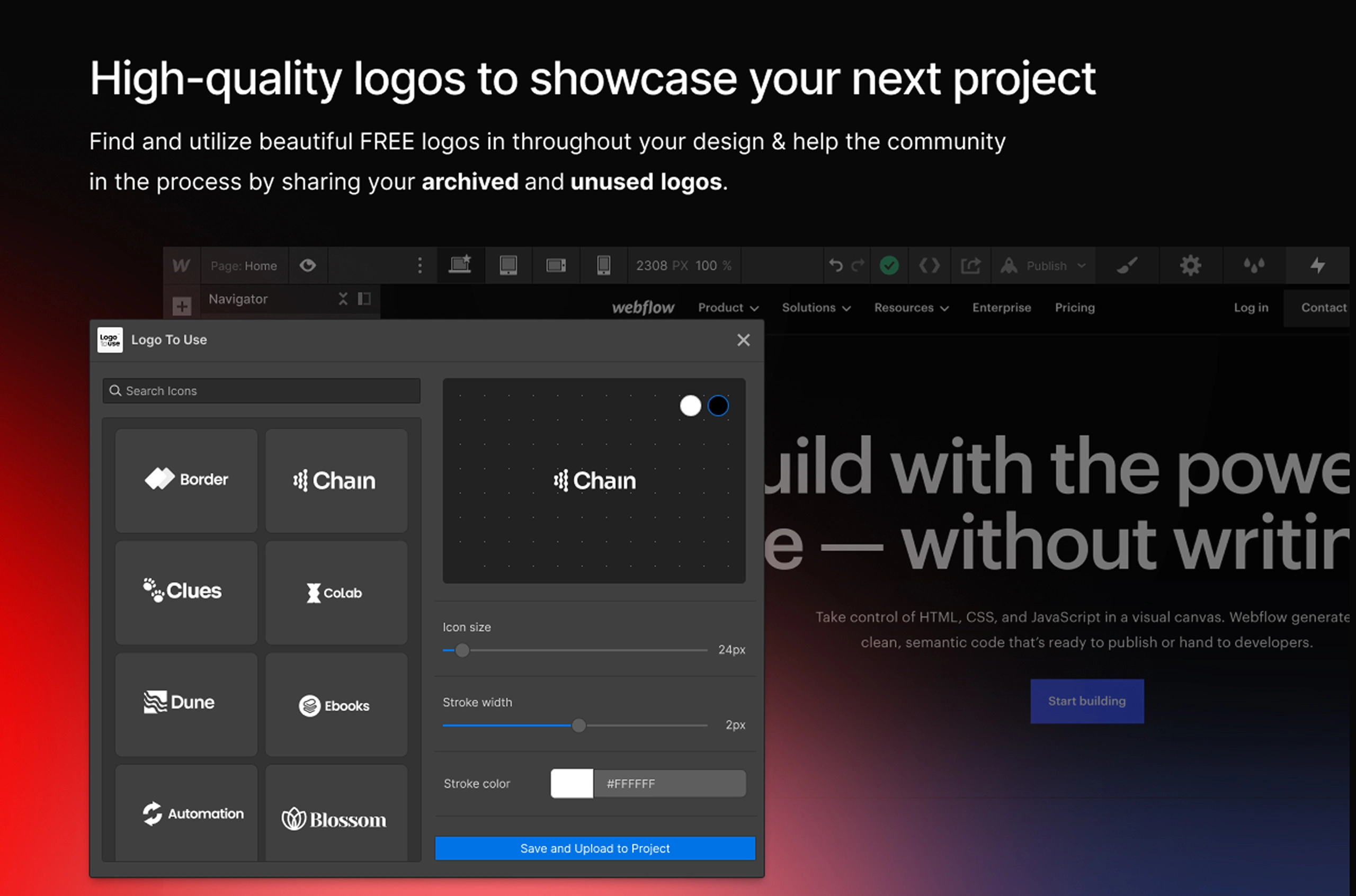
Why it matters: People judge polish subconsciously. High-quality placeholders keep early reviews focused on structure and copy, not “why is that logo blurry?”
Natural tip: Agree with the client that placeholders will be swapped the moment brand assets arrive—this sets expectations and keeps the approvals moving.
Time saved: It removes a classic stall point—waiting for assets—often days, sometimes a week.
6. Consent Pro – Bake compliance in, don’t bolt it on
Consent banners, region logic, and audit trails are all necessary—and famously annoying to maintain. Consent Pro is a consent management platform built for Webflow, so compliance becomes configuration, not custom code.
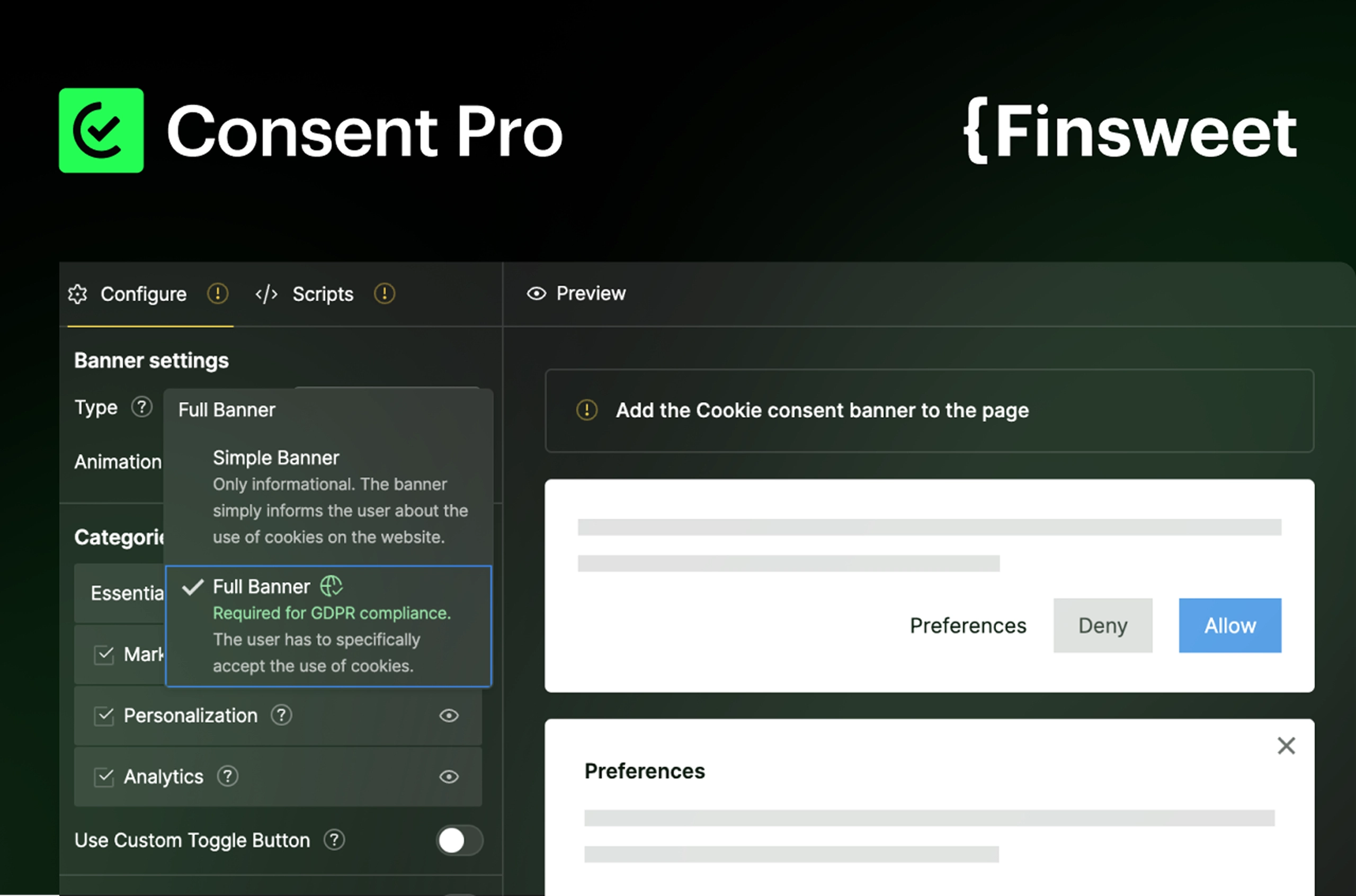
Why it matters: You can’t launch fast if legal is nervous. A native CMP reduces back-and-forth with stakeholders and avoids the brittle “copy this script, hope it sticks” approach.
Natural tip: Store consent copy in CMS for easier localization without redeploys.
Time saved: 2–4 hours at setup, plus ongoing maintenance you no longer carry.
7. Stripe – Monetize without waiting for “phase two”
Whether it’s digital downloads, deposits for services, or a simple product line, the Stripe Webflow app lets you accept payments without writing code.
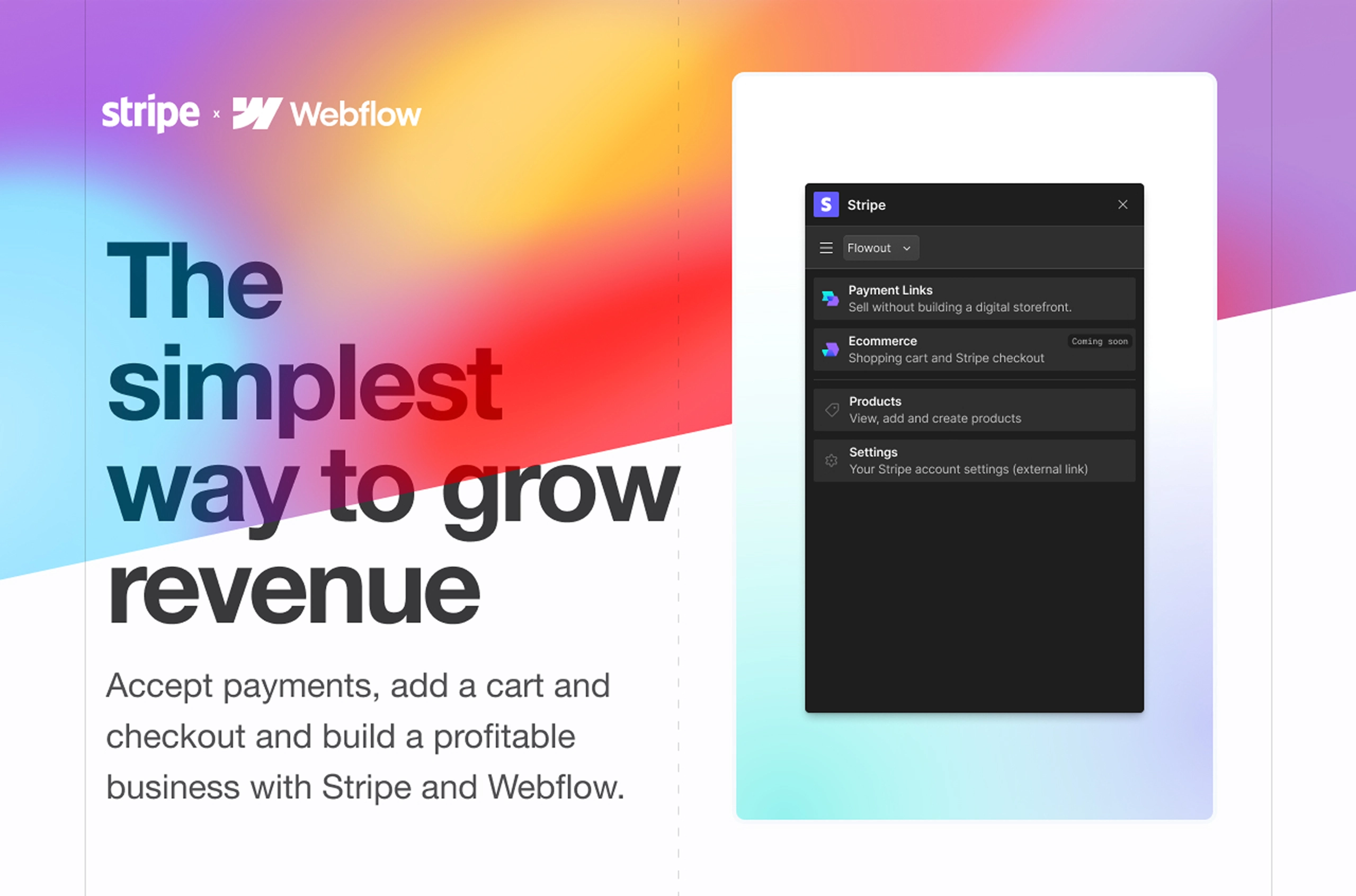
Why it matters: Real validation is revenue. Being able to charge on day one turns a guess into a business decision and removes weeks of checkout plumbing.
Natural tip: Fire analytics events on successful payments from the start. Knowing which channel pays is the difference between guessing and growing.
Time saved: Many developer hours—and crucially, calendar weeks—because stakeholders stop waiting to “go e-commerce later.”
8. SchemaRabbit – Let machines do the markup
Search engines understand structured data better than prose. SchemaRabbit analyzes pages and implements schema markup to help your site surface richer results.

Why it matters: Launching fast is only useful if you’re discoverable. Automating schema reduces SEO debt and improves click-through without manual JSON-LD wrangling.
Natural tip: Start with the templates that scale—blog posts, product/service pages—so every new entry ships with schema baked in.
Time saved: Hours of manual markup and QA, multiplied across every page template.
9. Semflow – Ship with SEO basics already green
Publishing doesn’t mean you’re ready to be found. Semflow checks on-page fundamentals inside Webflow—titles, metas, headings, links—so you fix issues before you press “Publish.”
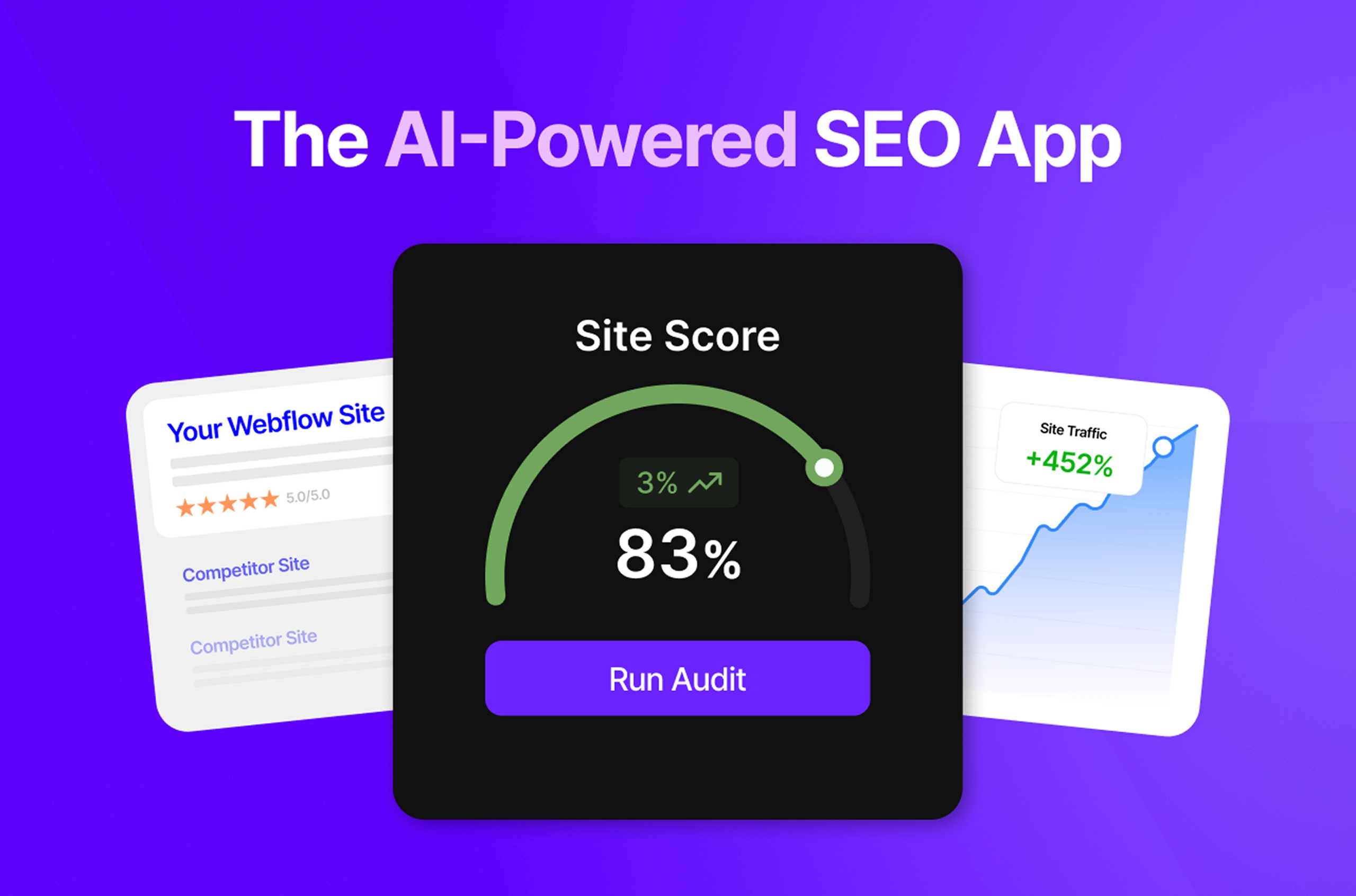
Why it matters: Post-launch cleanup kills momentum and dilutes trust with clients. One-pass SEO keeps the build clean and the review focused.
Natural tip: Turn Semflow’s findings into a pre-flight checklist your team uses before every push. The best time saver is the one you never have to think about.
Time saved: 2–3 hours per QA cycle, and fewer regressions later.
10. Microsoft Clarity – Iterate with evidence, not opinions
Once you’re live, Microsoft Clarity gives you heatmaps and session recordings. You find the scroll stoppers, rage clicks, and dead-end UI patterns that standing meetings never reveal.
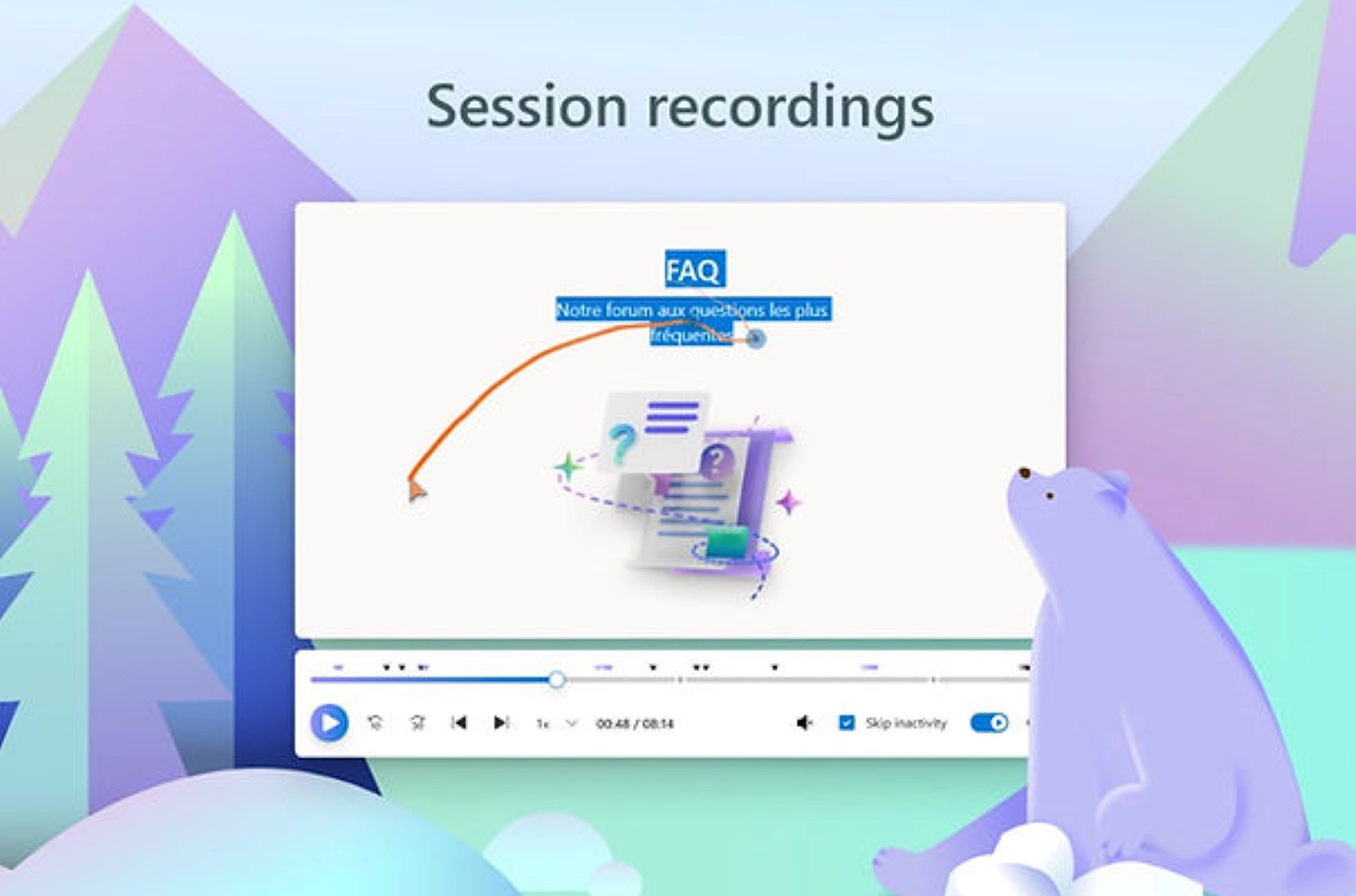
Why it matters: Fast launch + fast learning beats “perfect on paper.” Seeing how people actually move through your Webflow design tells you exactly where to optimize.
Natural tip: Watch five recordings from your top landing page every Friday. Small, regular learnings compound faster than quarterly audits.
Time saved: You cut weeks of debate and jump straight to high-impact fixes.
The compounding effect
No single app is a silver bullet. The power is in how they stack: Modulify standardizes the system, Goat Slider and Finsweet turn common UI into drop-ins, Typeform and Stripe remove integration rabbit holes, Consent Pro prevents legal stalls, SchemaRabbit and Semflow keep SEO debt low, and Clarity turns every launch into a feedback loop.
Individually, you save hours; together, you recover days and keep projects moving from “idea → live → learning” at a pace that compounds.
If you sell websites, this is also a better commercial story. Faster assembly means fixed-fee projects are healthier, retainers can focus on experiments instead of rebuilds, and your Webflow agency can take on more work without burning out your team.

Discover and grow your audience with the checklists in our free guide.
.png)
Effortless Web Design starts here. Try Modulify Now!
The only playground you need to build Webflow websites with AI in minutes.


Design & Build Webflow sites in minutes with AI